
Add an External Transfer Account
Edited
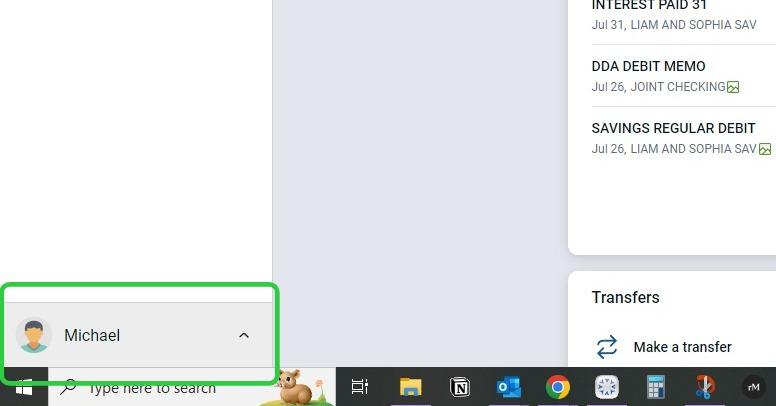
1. From the online banking dashboard, click on your name in the lower left-hand corner of the screen.
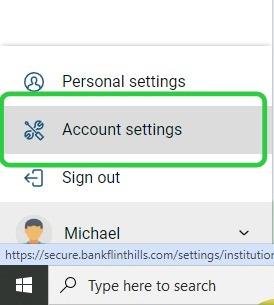
2. Click on 'Account Settings'
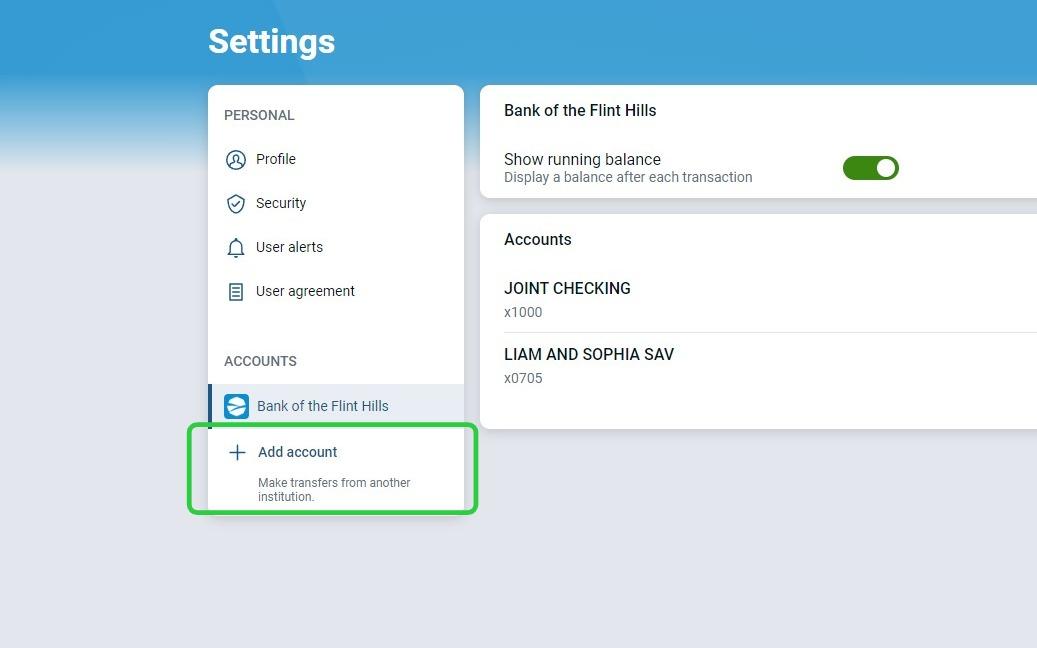
3. In the settings menu, click on the '+ Add Account' under Bank of the Flint Hills.
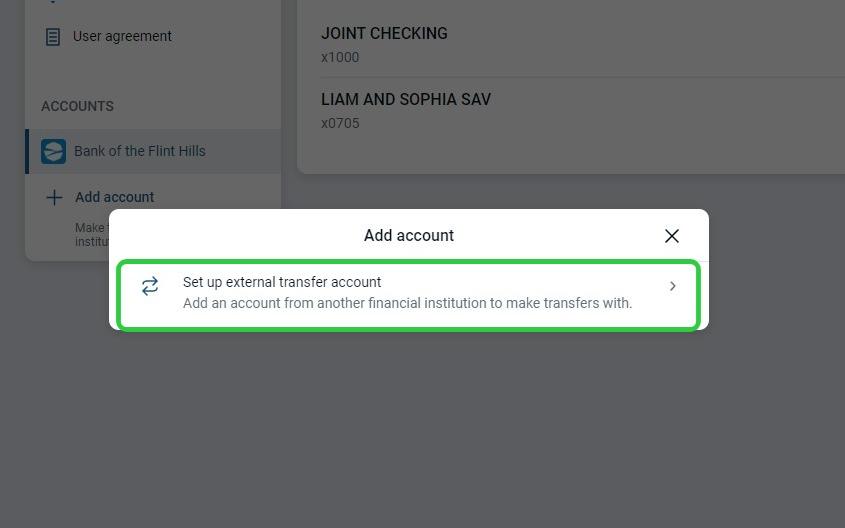
4. Select to set up an external transfer account.
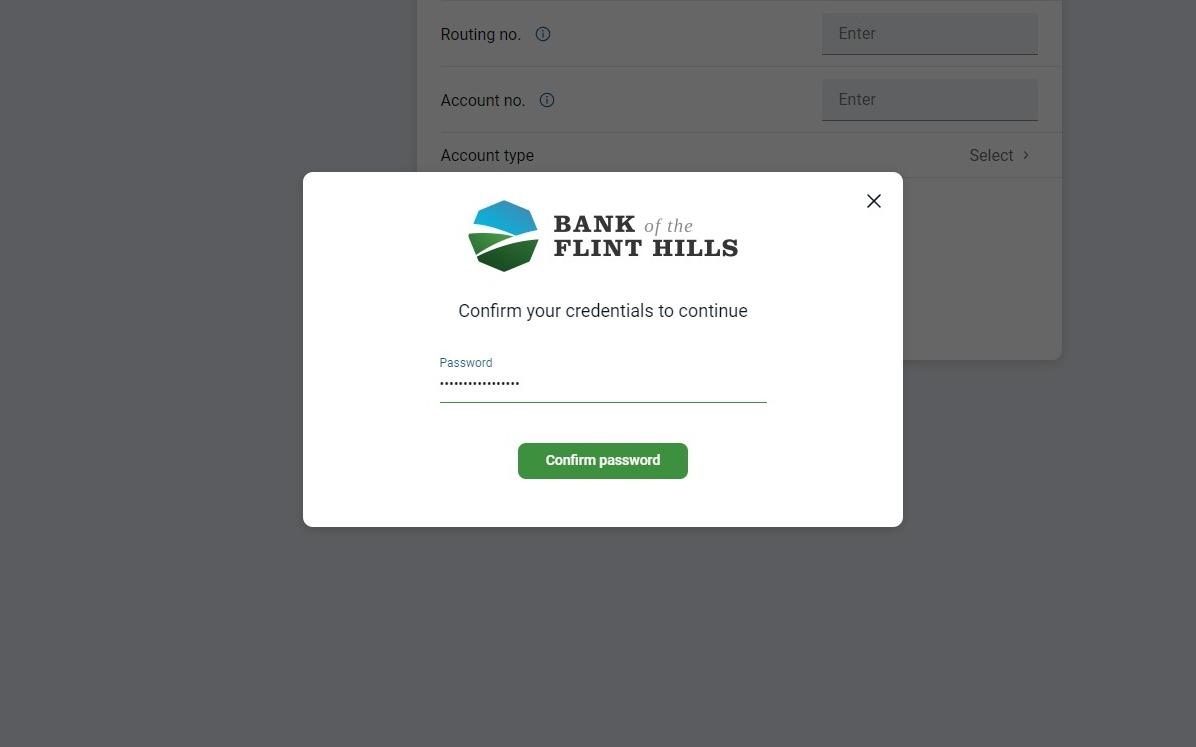
5. To continue, you will need to verify your password.
6. Enter the account information and click 'Submit'
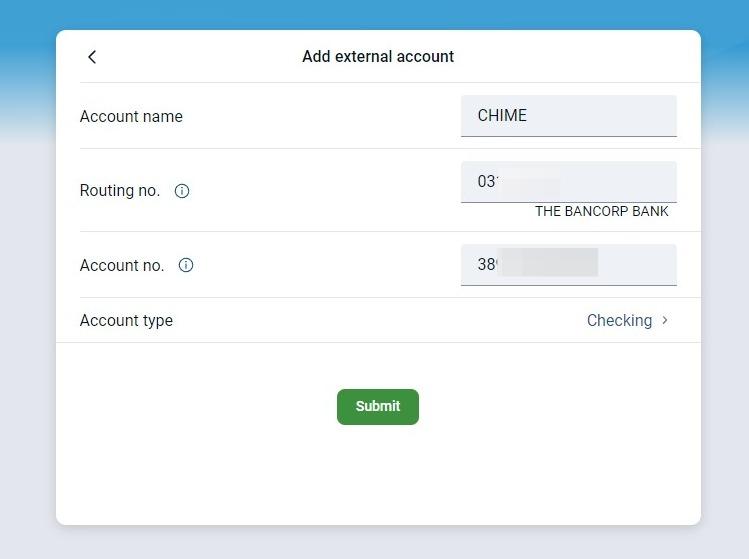
7. You have now added an External Transfer Account and will be able to verify the deposits to begin transferring money with it soon.
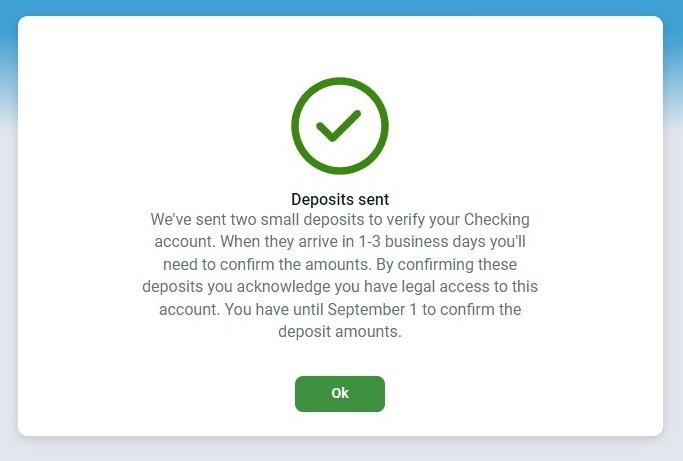
8. When you are ready to verify the deposit amounts, return to the External transfers section under Accounts in Settings. Enter the amounts and click 'Confirm' to establish the connection.
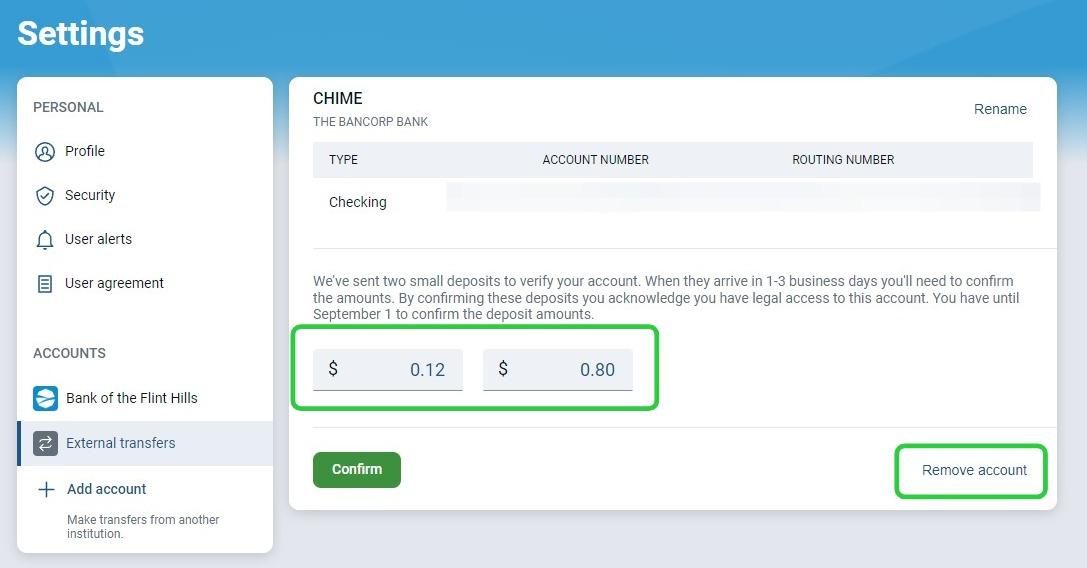
Bonus: If you would like to remove the external account, you can do so at any time by clicking the "Remove Account" in the lower right.
Online Banking
External Transfer
Settings
Transfer Account
Was this article helpful?
Sorry about that! Care to tell us more?